Two Ways to Stream on BuzzNow
Select a streaming mode below to explore the complete interactive workflow, high-definition snapshot series, and hands-free smart glasses capabilities.
1-on-1 Private Mentorship: Apprentice to Expert
Example: Hosting a 6 PM dinner party & booking Chef Marco Moulina for real-time culinary coaching.
Search & Select Expert
Browse experts by trade or category (Culinary, Trades, Posture).
Book 6 PM Slot & Pay
Select date, duration, and authorize secure payment via Stripe Link.
Automated Email Invites
Receive Sinch Mailjet confirmation emails with 1-click ICS calendar sync.
6 PM Live Smart Glasses POV
Put on Mentra live glasses and stream hands-free WebRTC video to mentor.
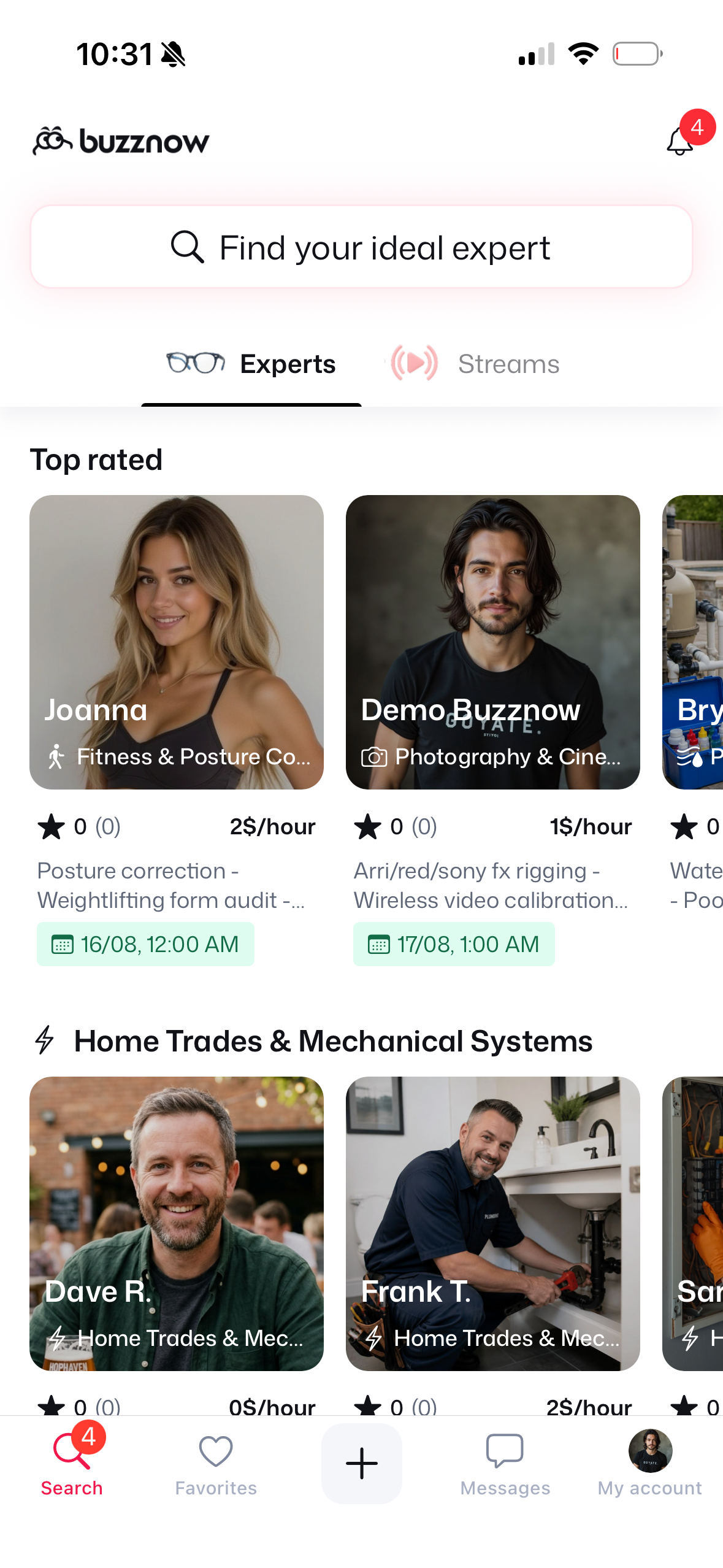
1. Search Directory
Search for "Chef" or "Culinary".
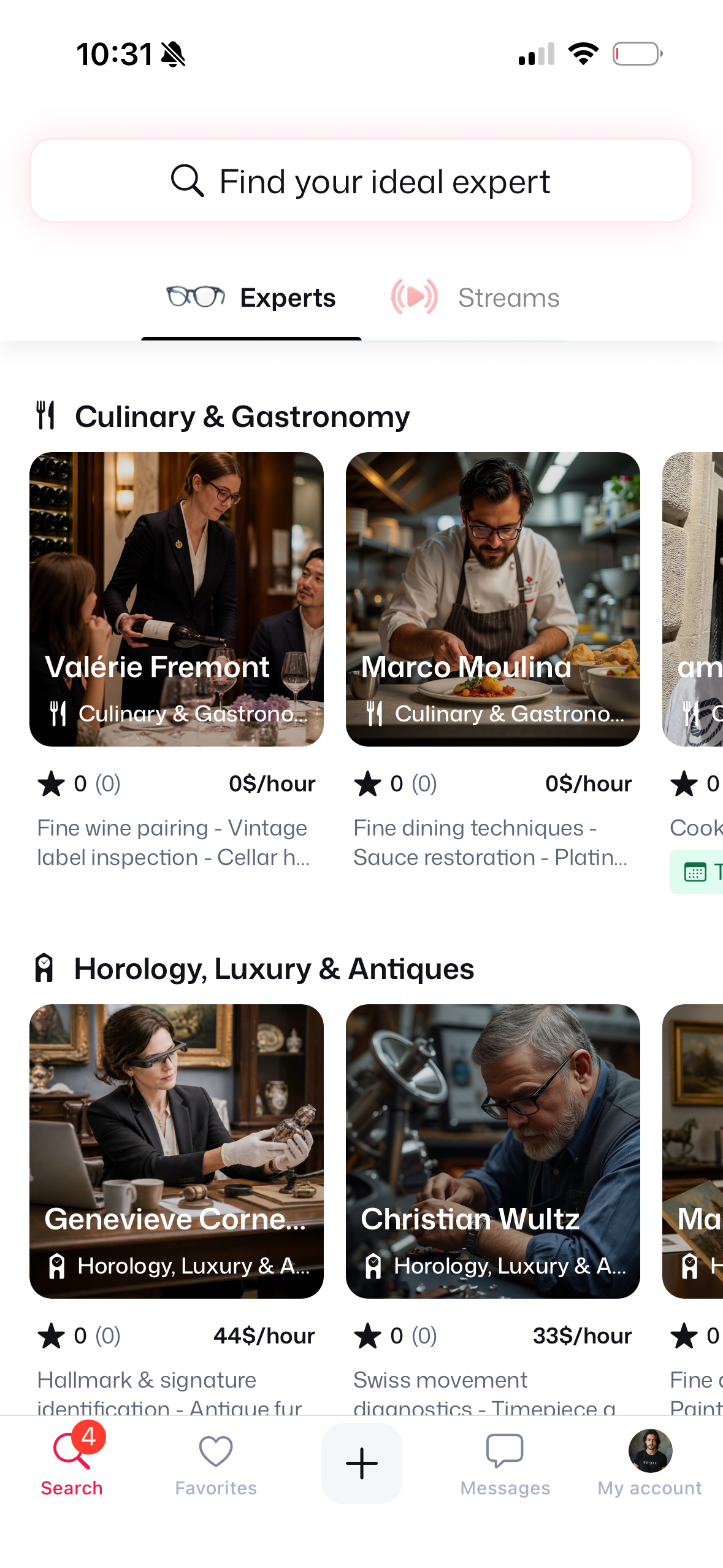
2. Culinary Category
Locate Marco Moulina ($3/hr).
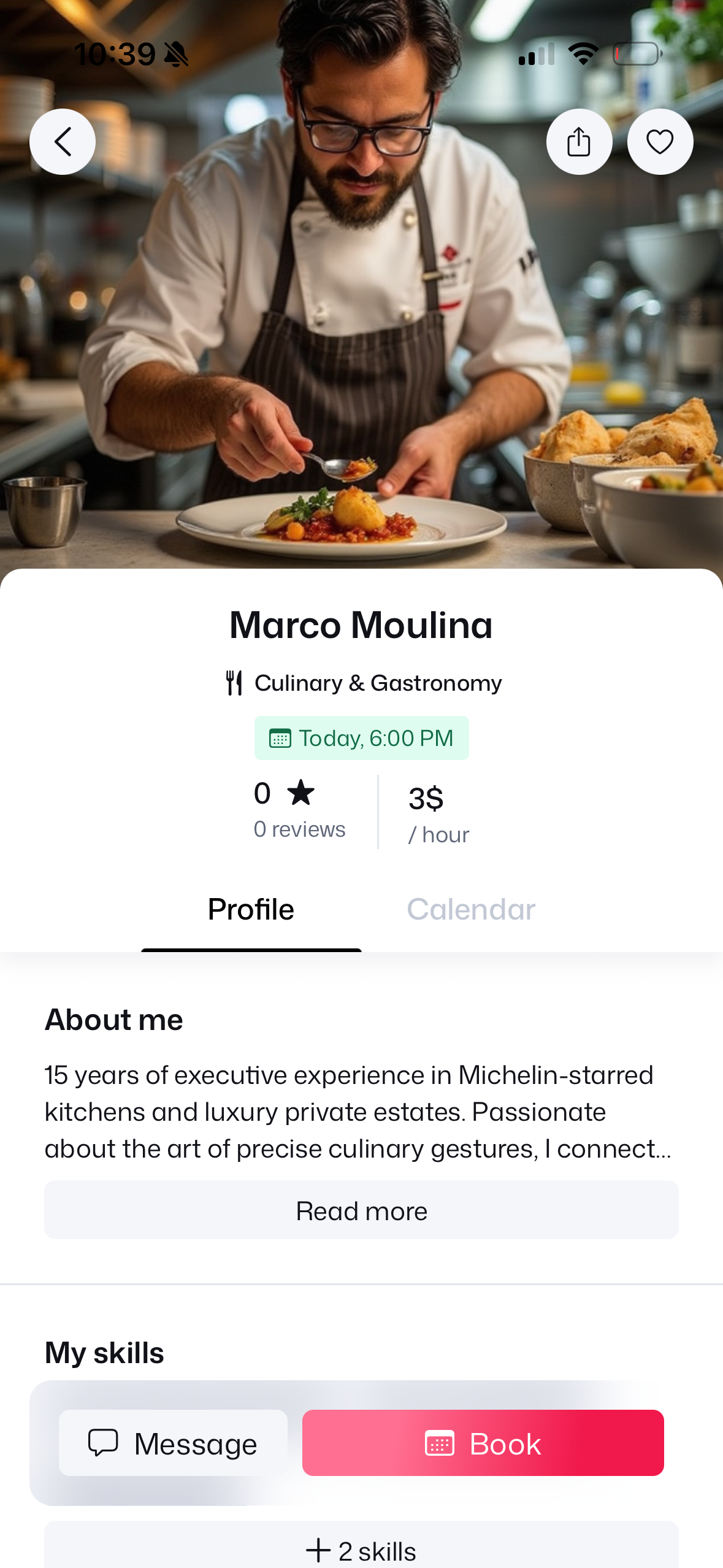
3. Chef Profile
Review $3/hr rate & bio.
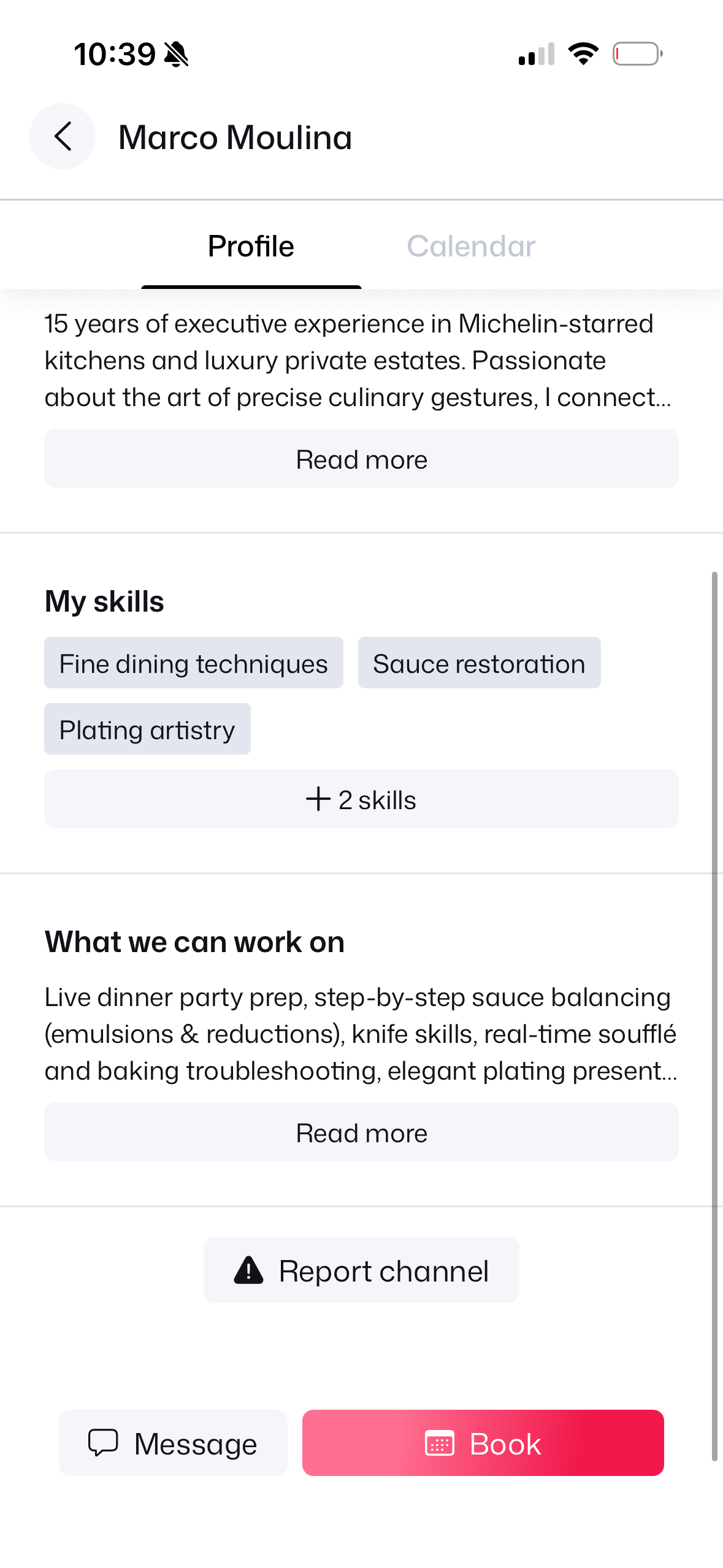
4. Skills & Credentials
Michelin skills & experience.
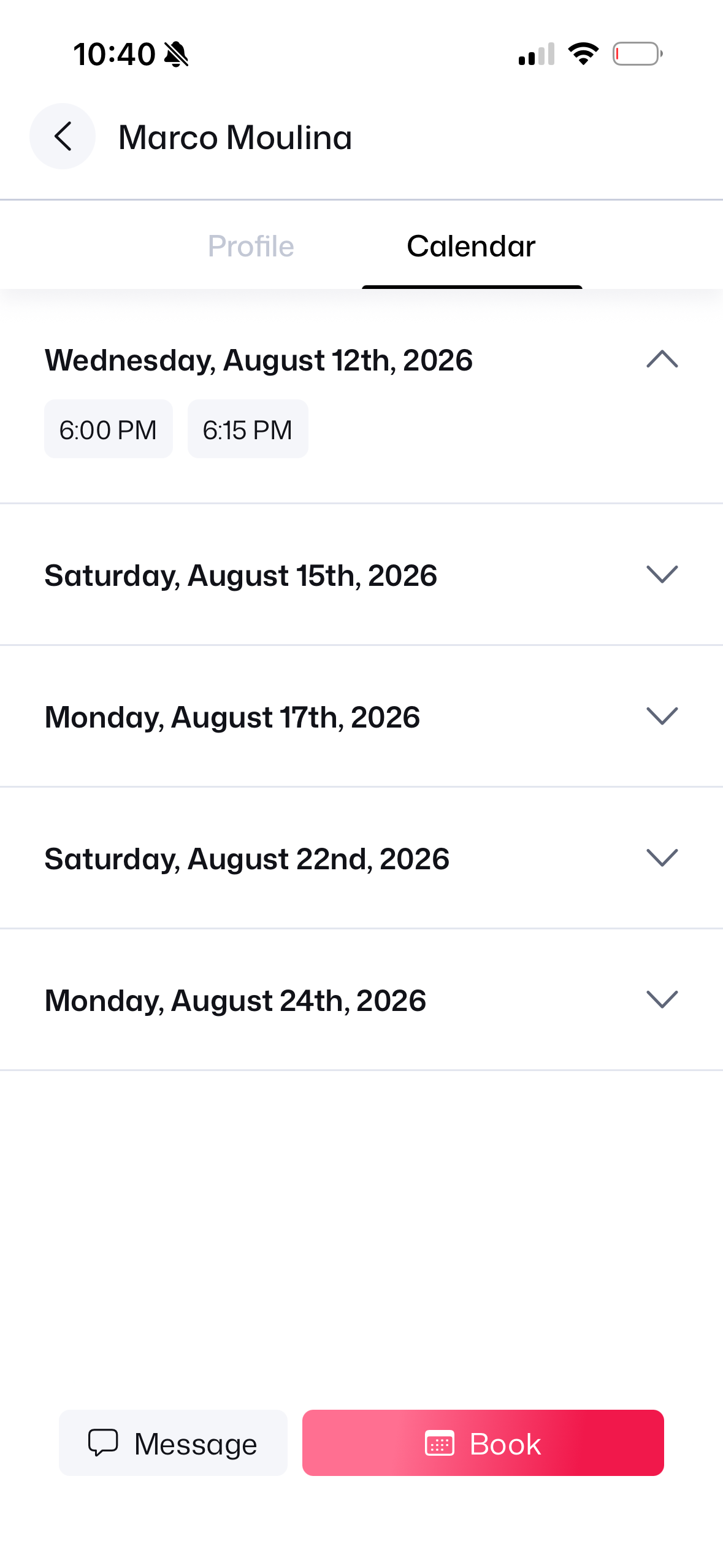
5. Open Calendar
View open dates schedule.
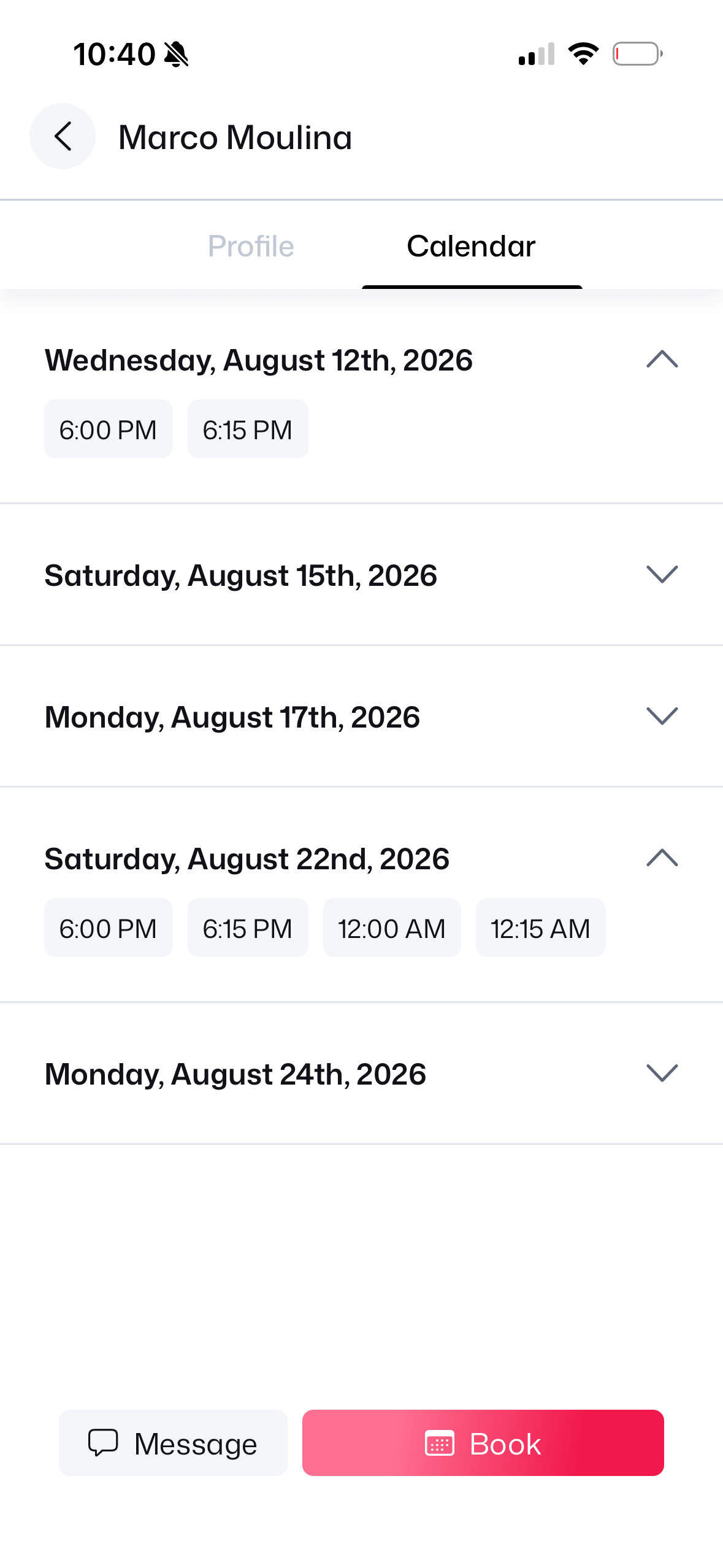
6. Select 6:00 PM Slot
Tap 6:00 PM timeslot.
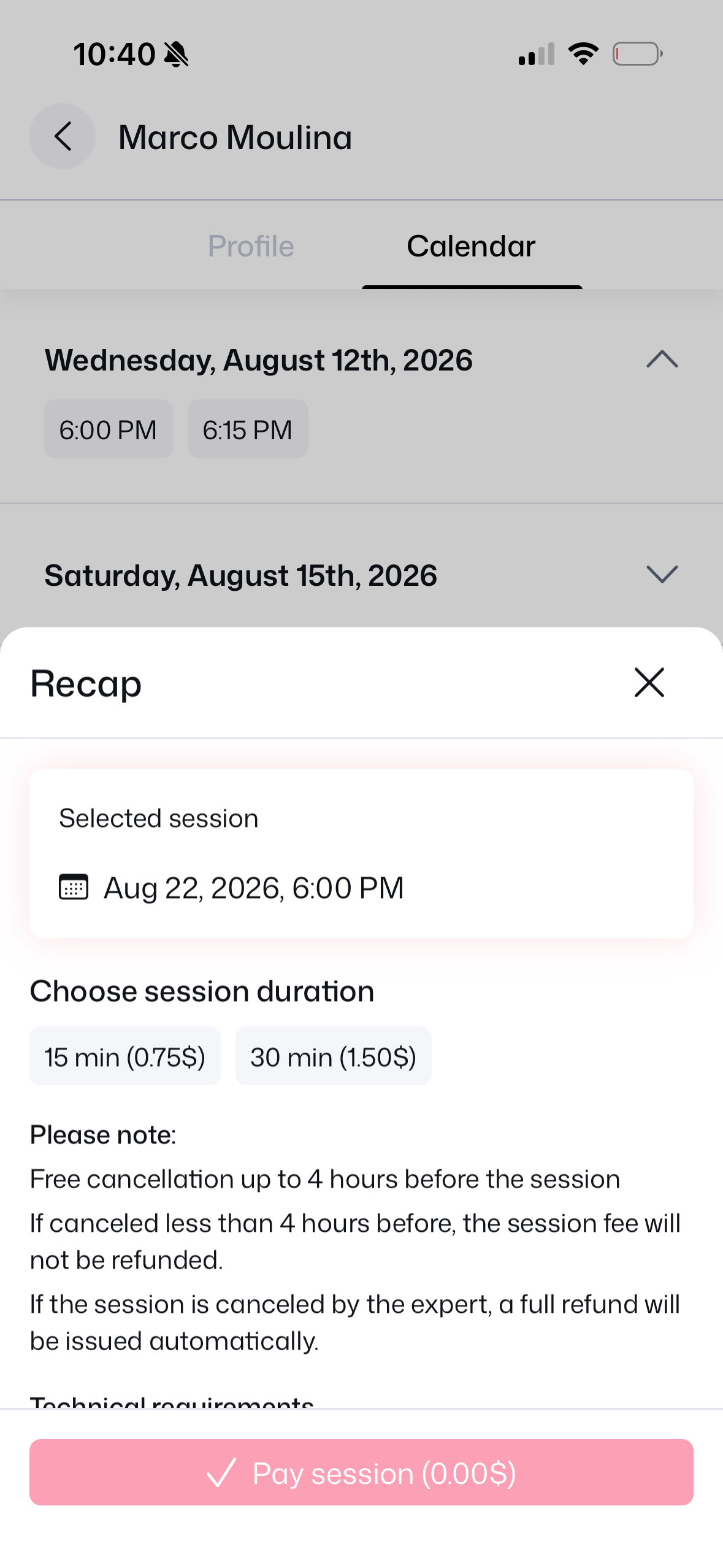
7. Duration Choice
Pick 15 min duration.
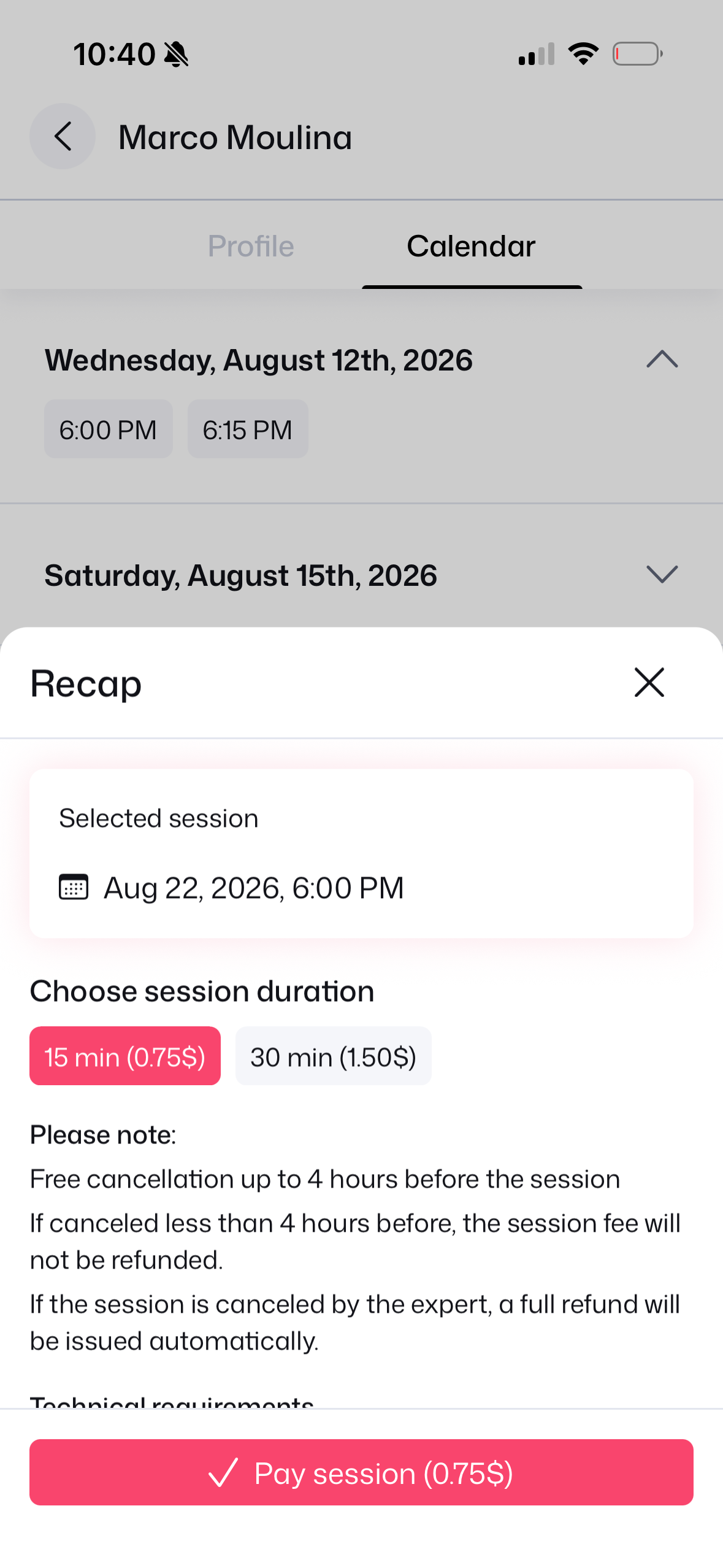
8. Fee & Policy Recap
Review fee & 4h cancel rule.
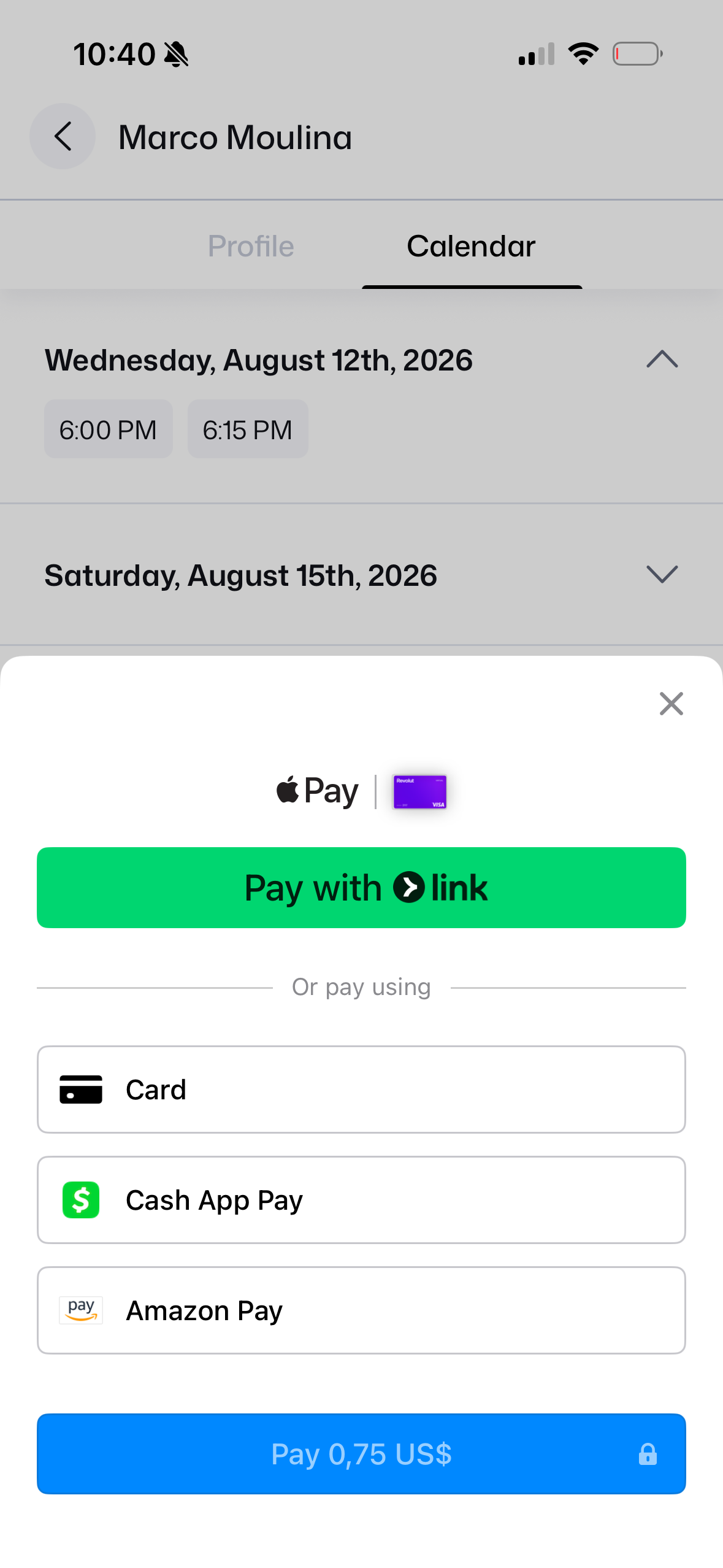
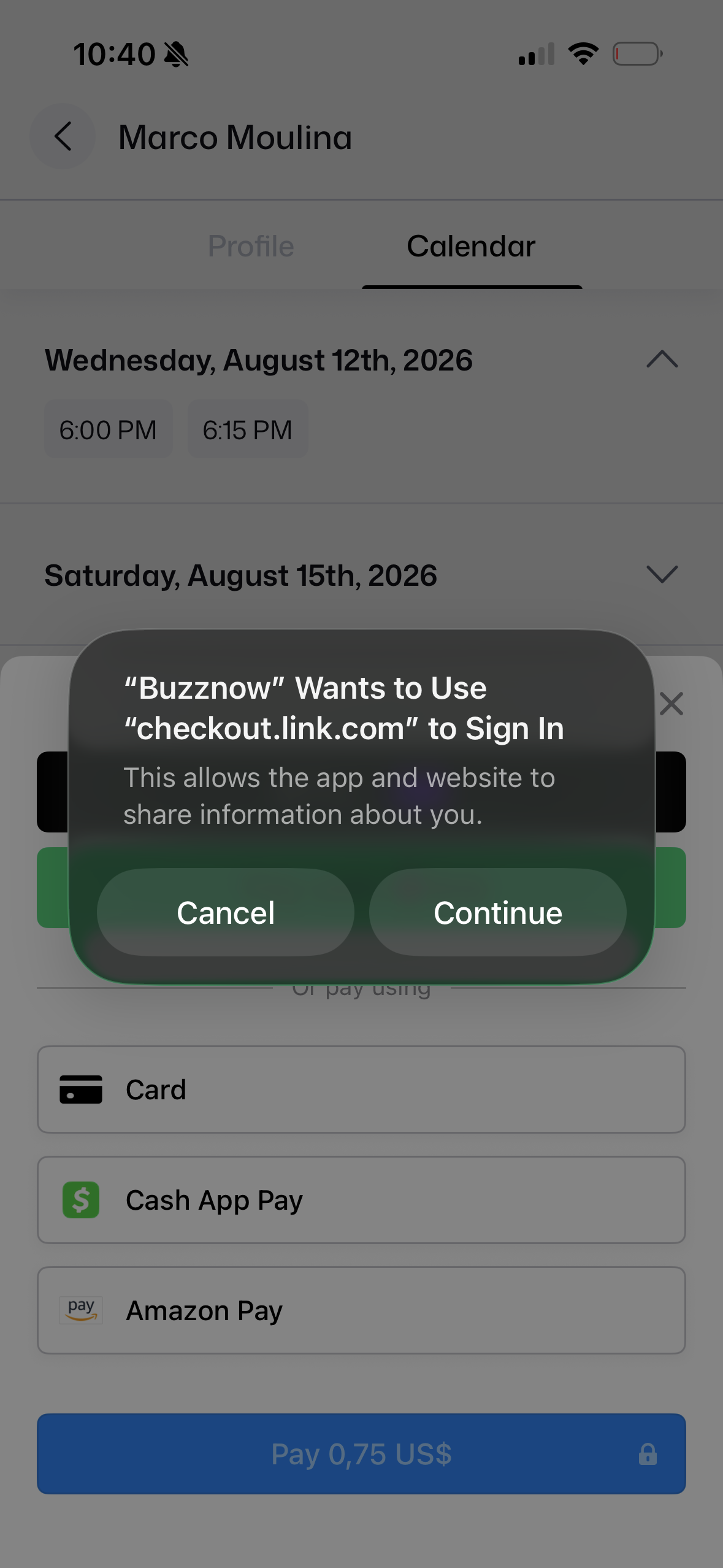
9. Stripe Link Prompt
Link authentication modal.
10. Payment Sheet
Apple Pay, Card or Link.
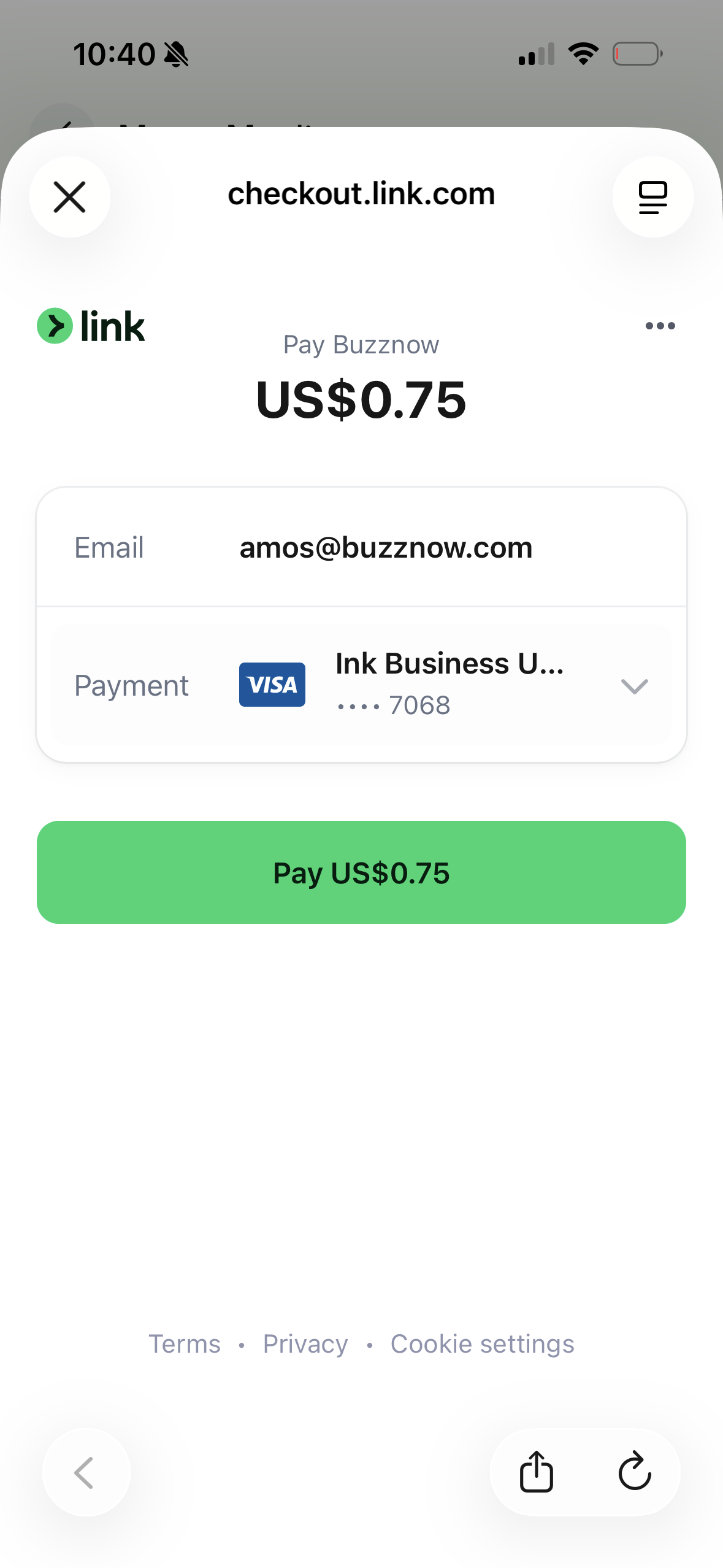
11. 1-Click Link Pay
Pay $0.75 US instantly.
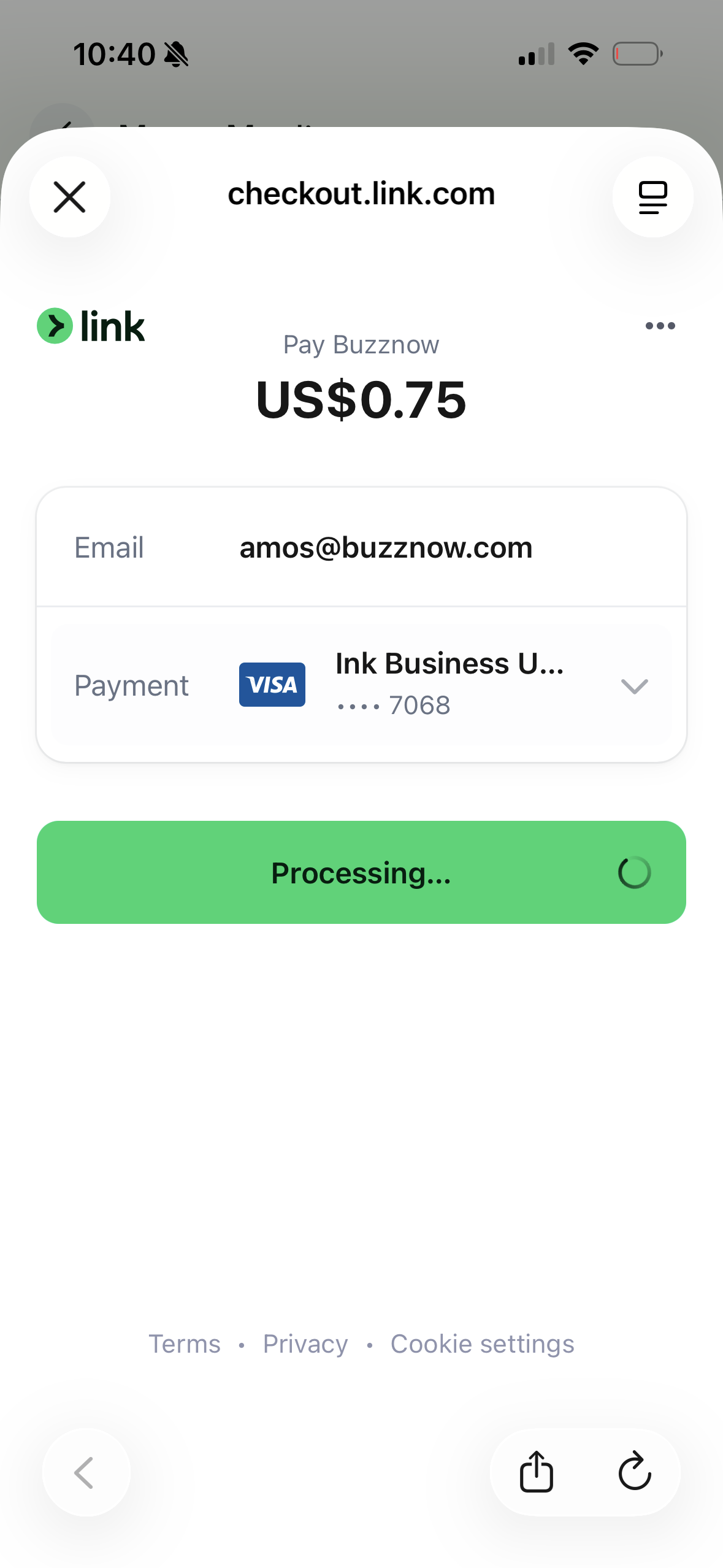
12. Link Processing
Stripe verifies payment.
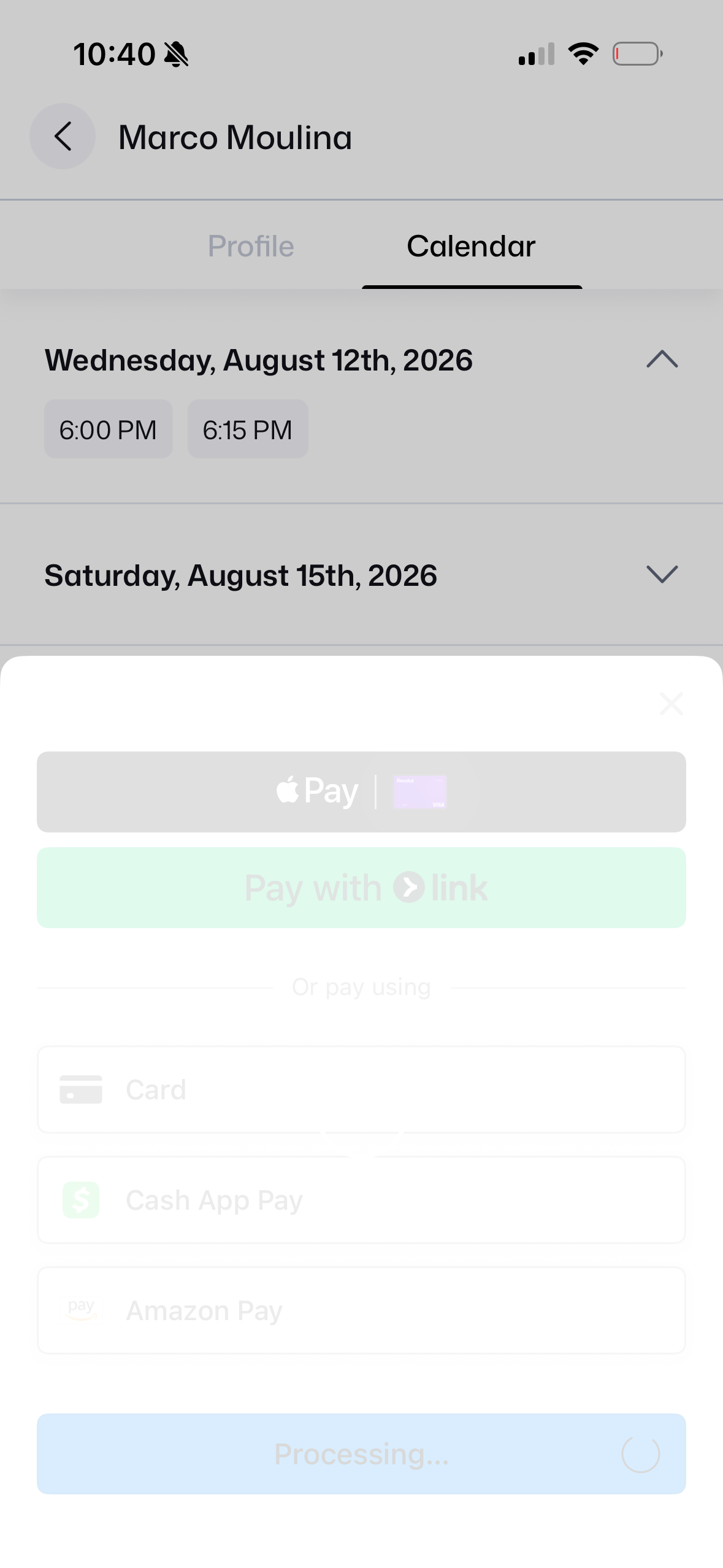
13. App Processing
Transaction completed.
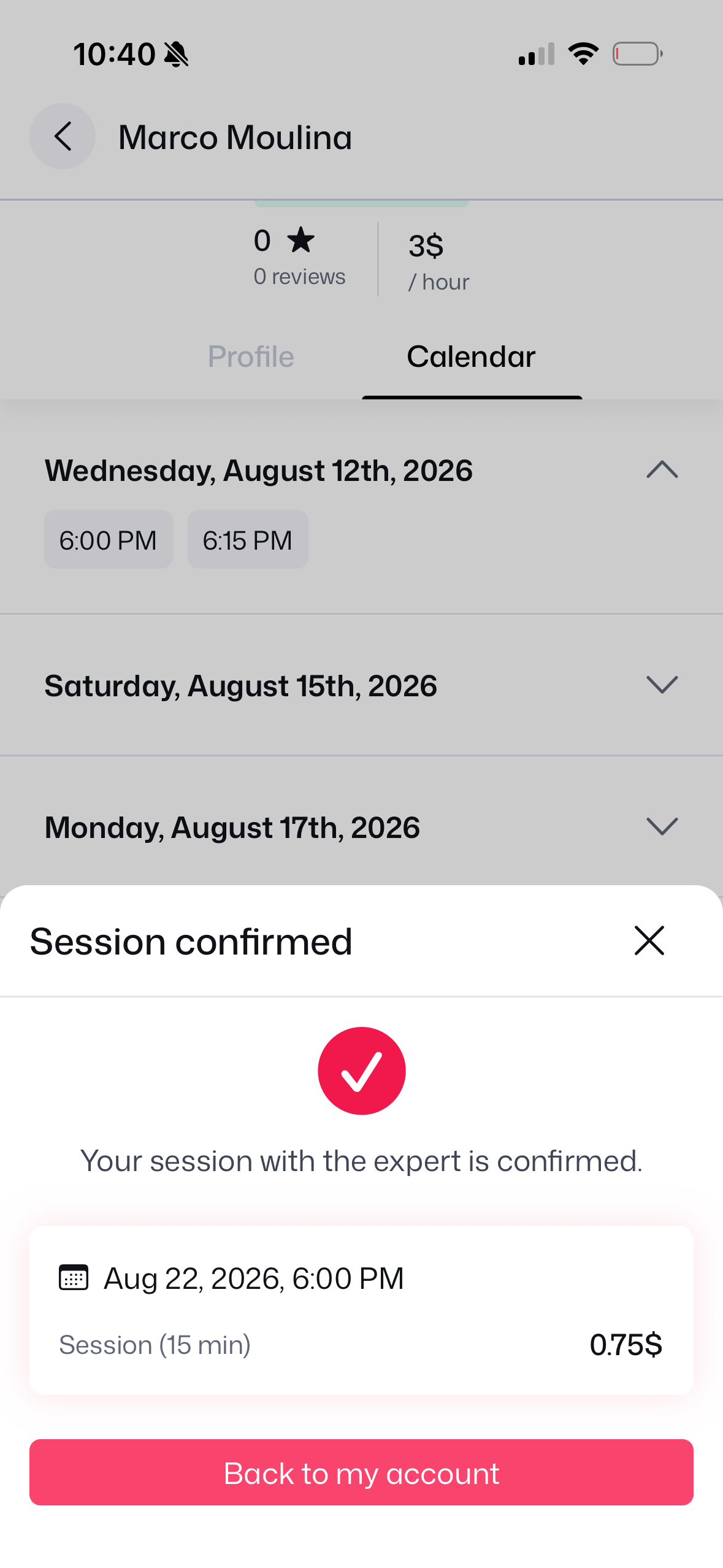
14. Session Confirmed
Reservation confirmed!
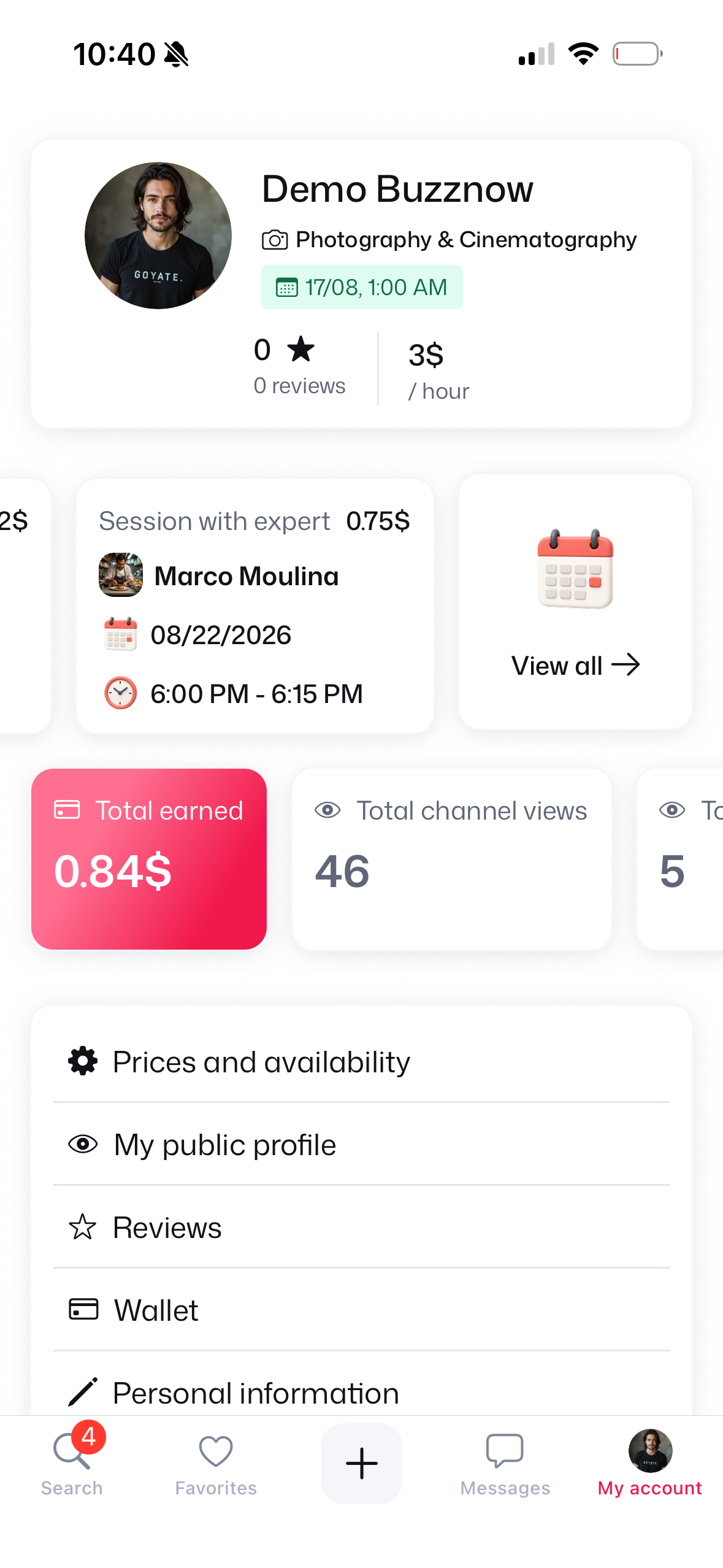
15. At 6 PM: My Account
6:00 PM session listed.
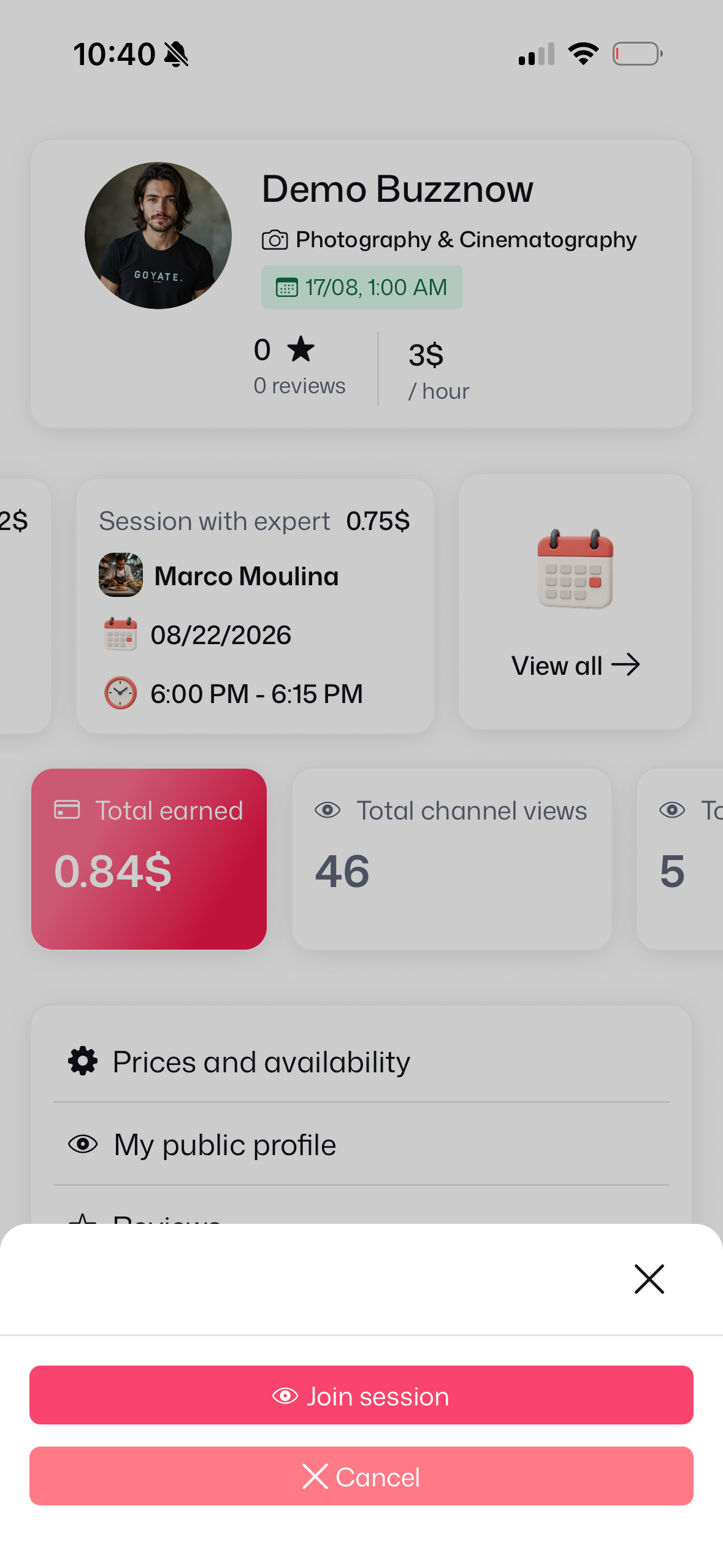
16. Join Session CTA
Tap Join session button.
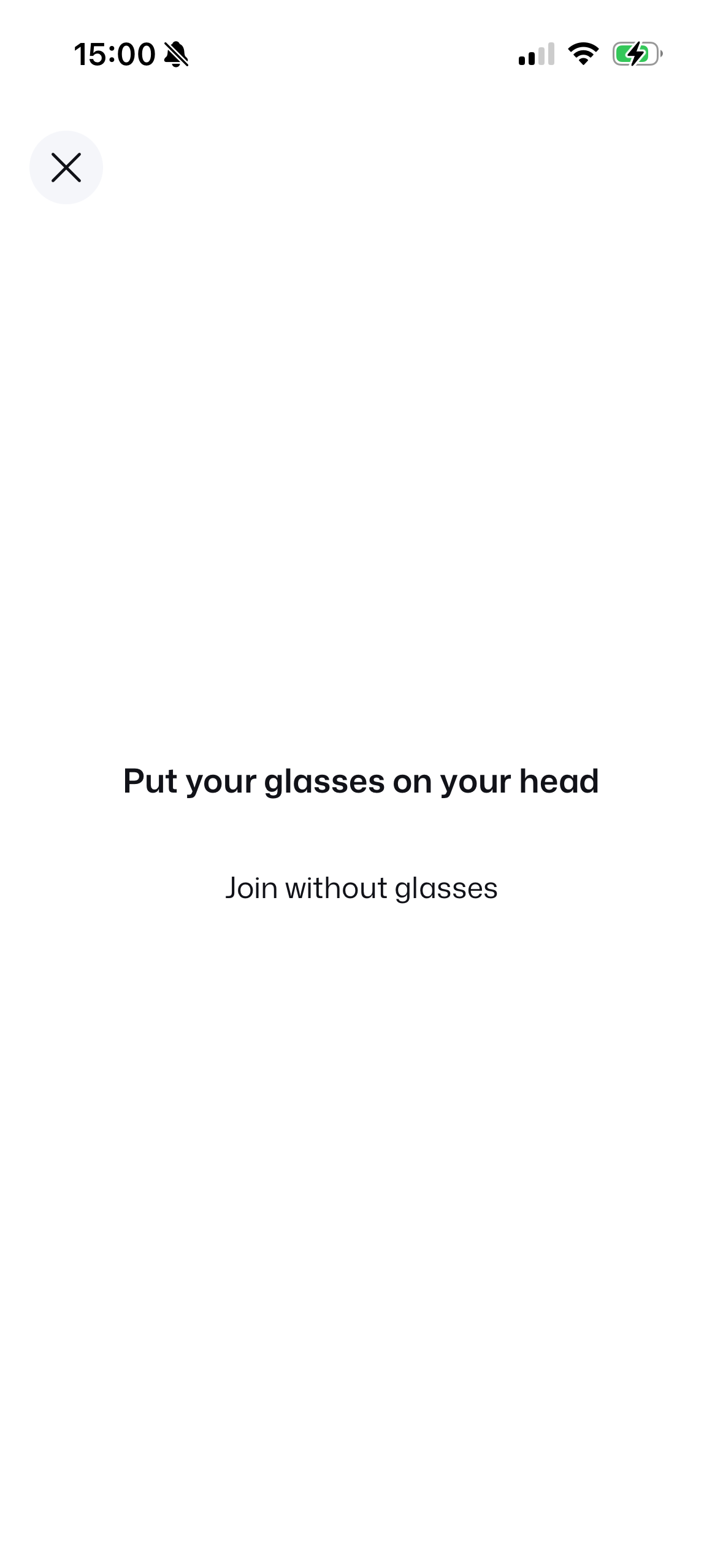
17. Put Glasses On
Wearing check prompt.
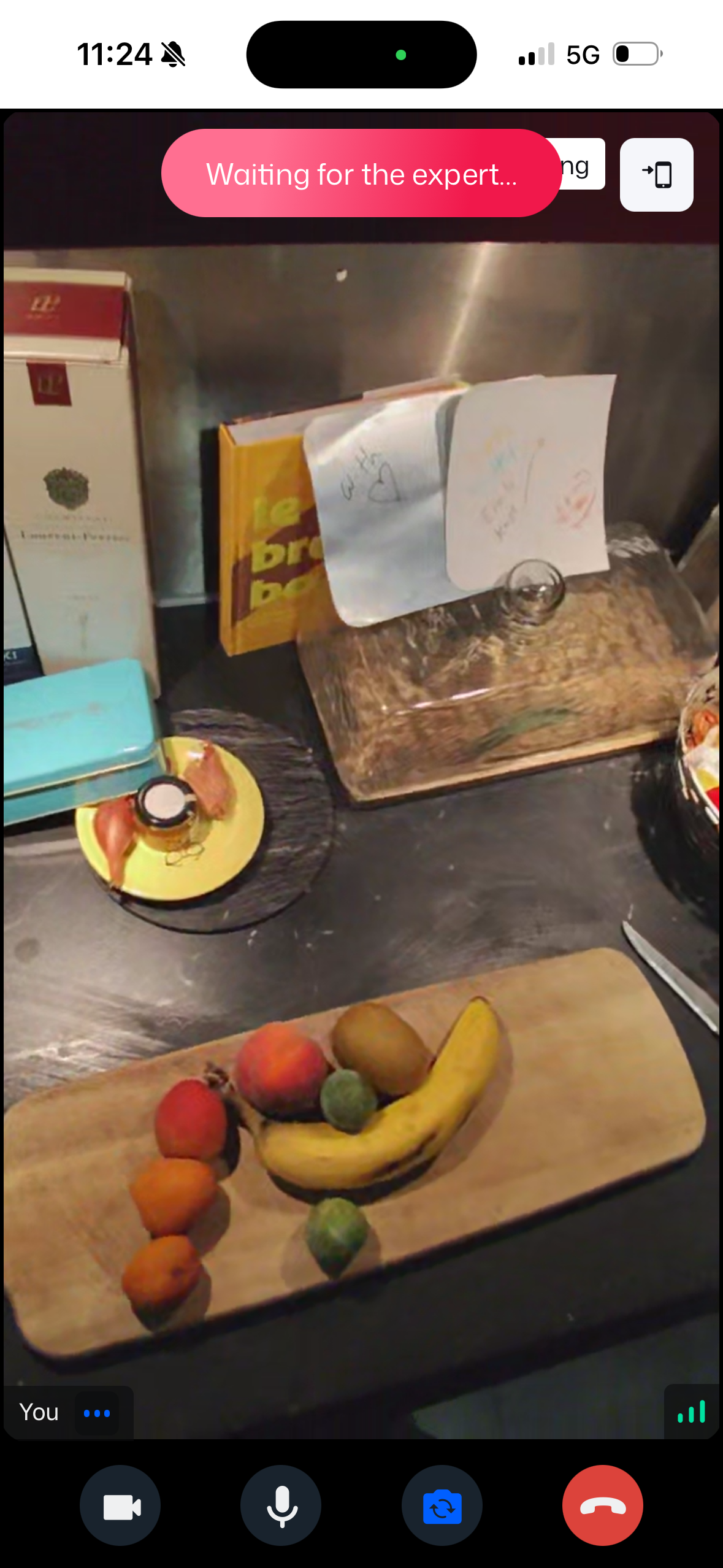 WAITING
18. Waiting for Expert
Glasses active, awaiting mentor.
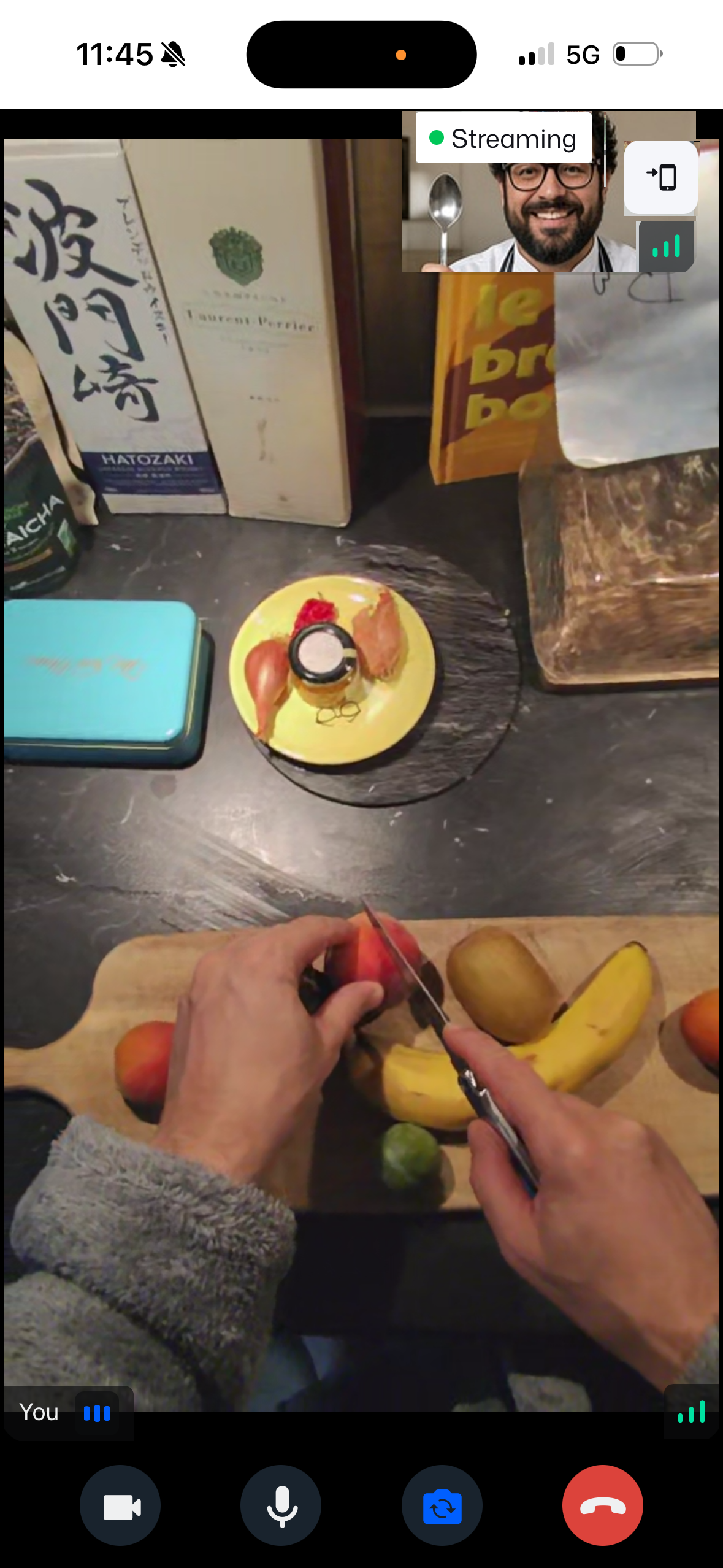 LIVE POV
19. Smart Glasses Live
Chef sees through your eyes!
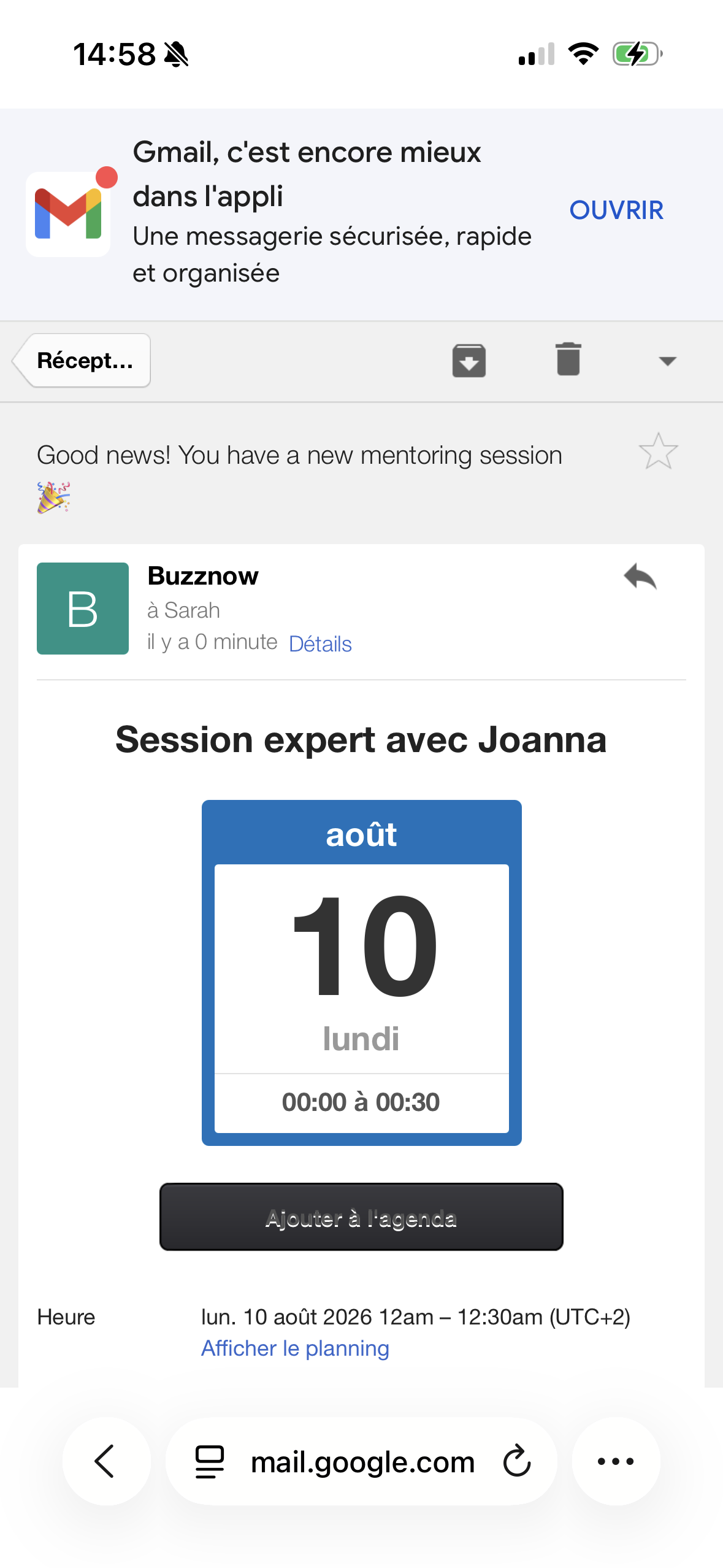
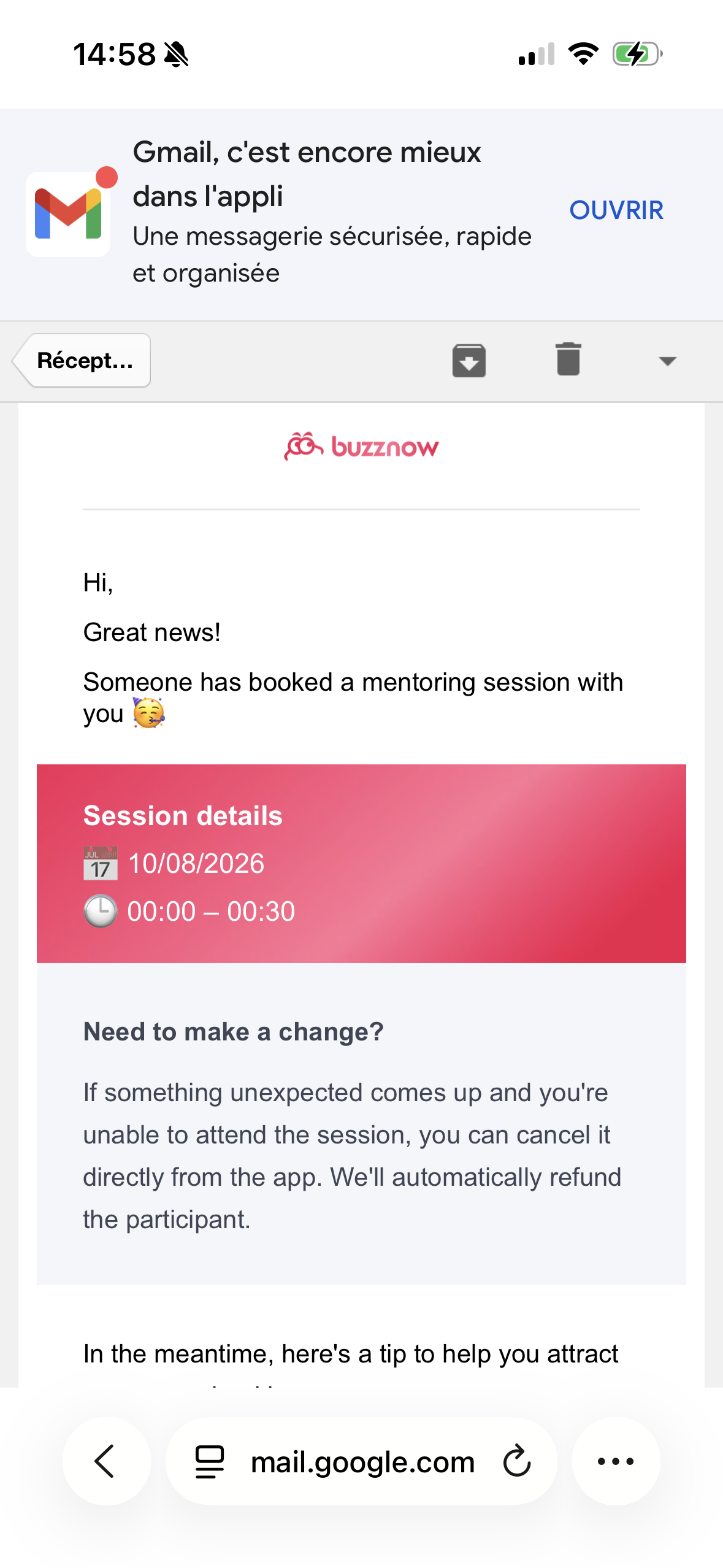
Mentor Schedule Invite
1-Click ICS calendar sync button.
Booking Policy Terms
4-hr cancellation refund rules.
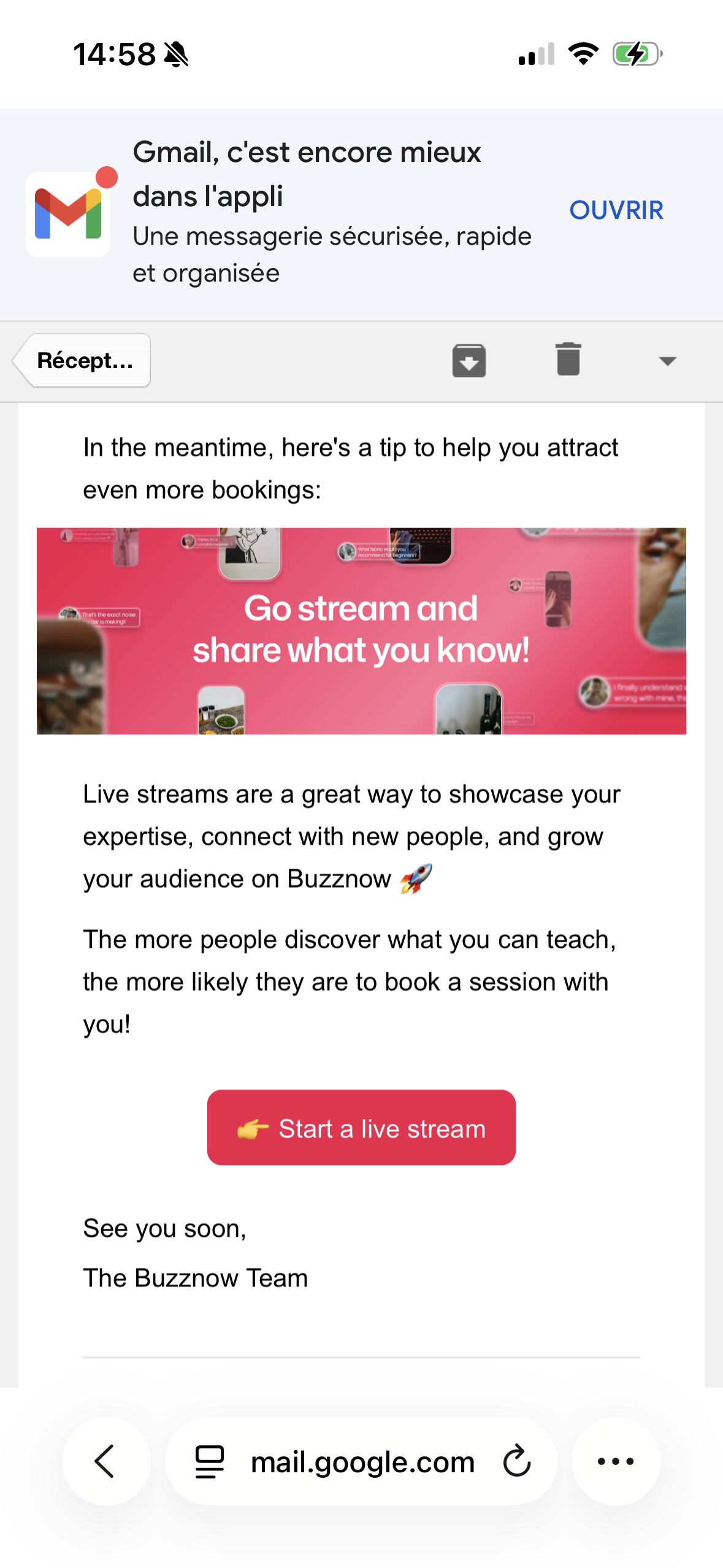
Mentor Broadcast CTA
Encouraging free live streams.
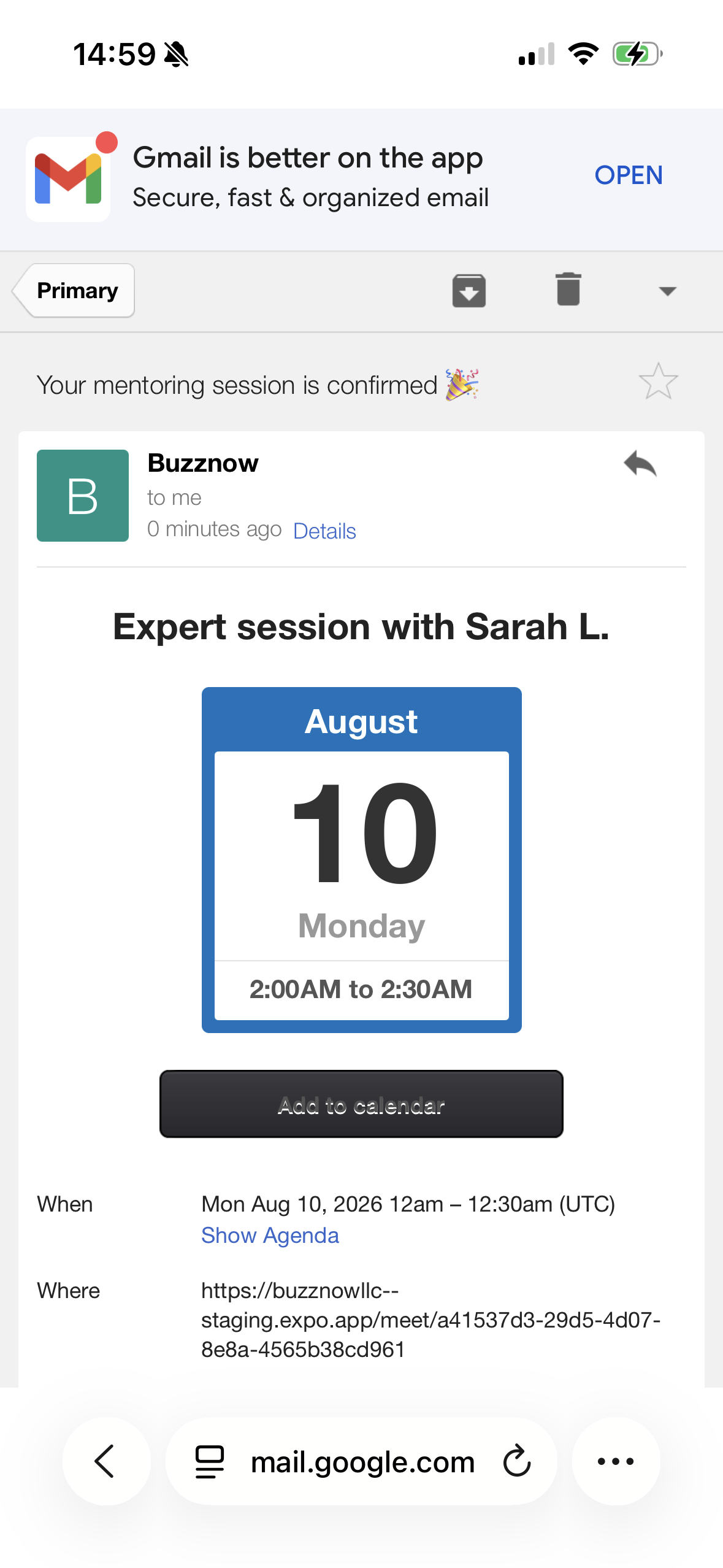
Apprentice Confirmation
Direct WebRTC room link & ICS.
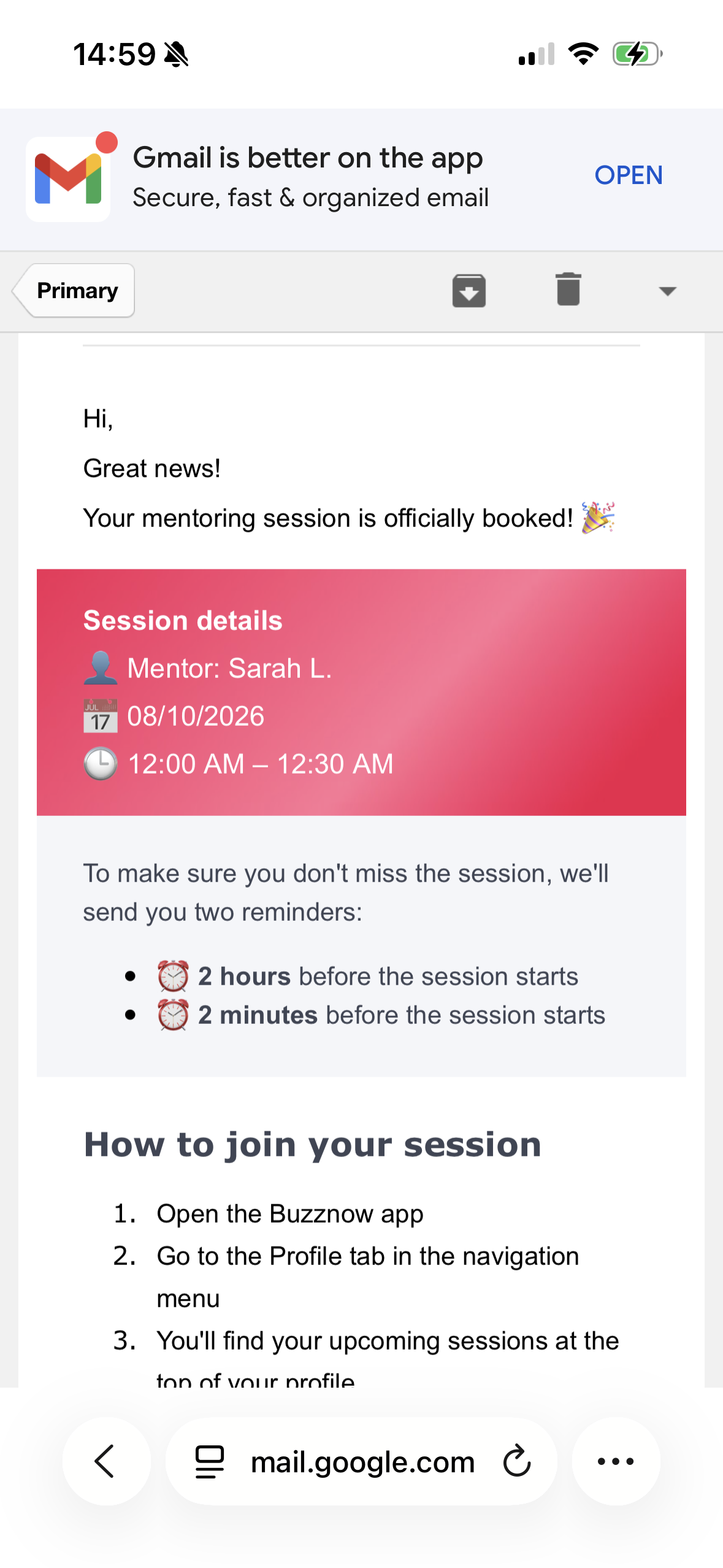
Automated Reminders
Sent at 2 hrs and 2 mins prior.
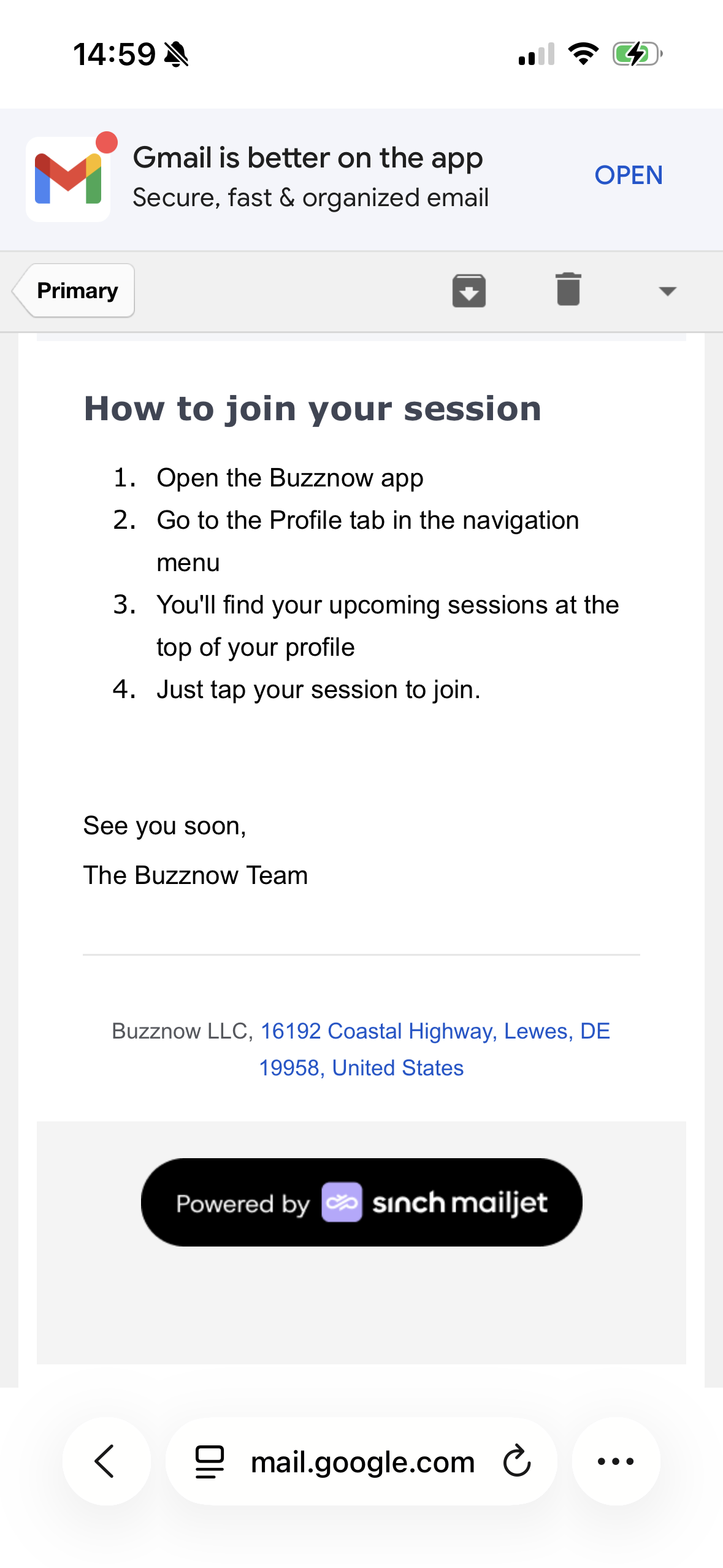
Launch Instructions
Smart glasses connection steps.
1-to-Many Public Live Broadcast
Example: Expert broadcasting vintage speaker restoration live to an interactive audience.
Launch Live Stream
Tap the central "+" button in BuzzNow to start broadcasting instantly.
Put On Glasses
Wear Mentra live glasses for automatic high-definition hands-free camera feed.
Interactive Viewer Chat
Viewers ask questions, send reactions, and follow along live on web or mobile.
Drive Booking Clients
Viewers tap host badge to directly reserve 1-on-1 mentorship sessions.
4 Specialist Journey: Launching a Public Live Broadcast (4 Chronological Steps)
Public Stream Pipeline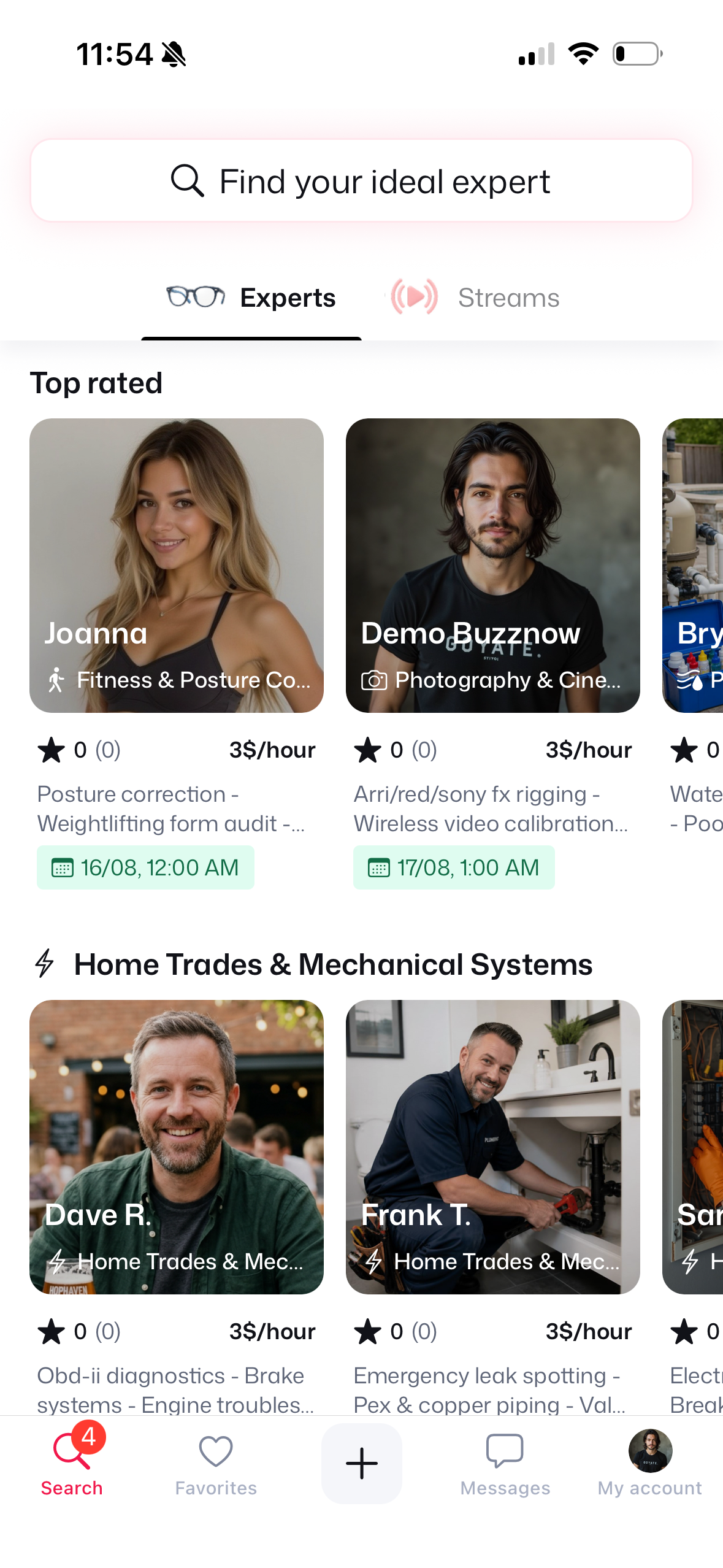
1. Tap Central +
Launch live stream menu.
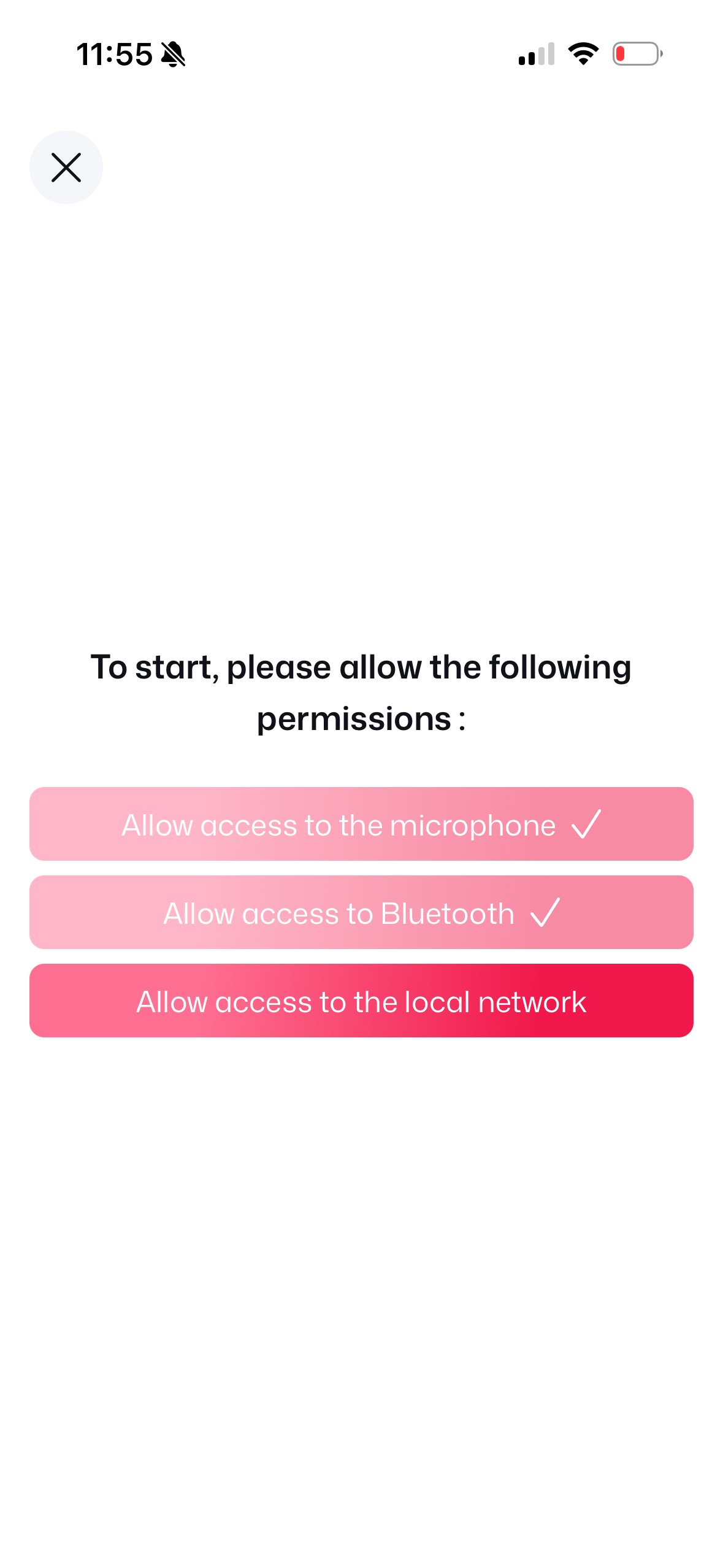
2. Allow Permissions
Mic & Bluetooth access.
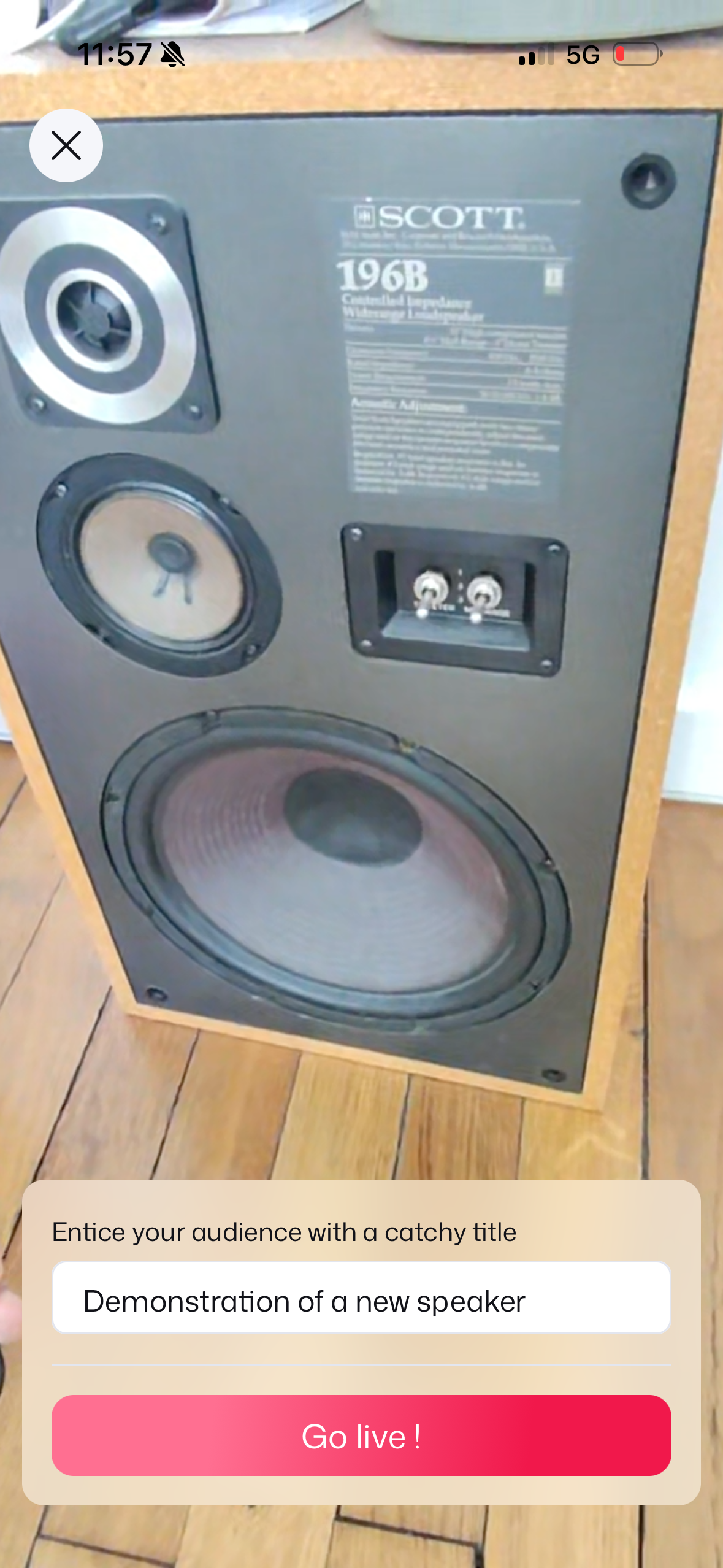
3. Set Stream Title
Title speaker demo & Go Live!
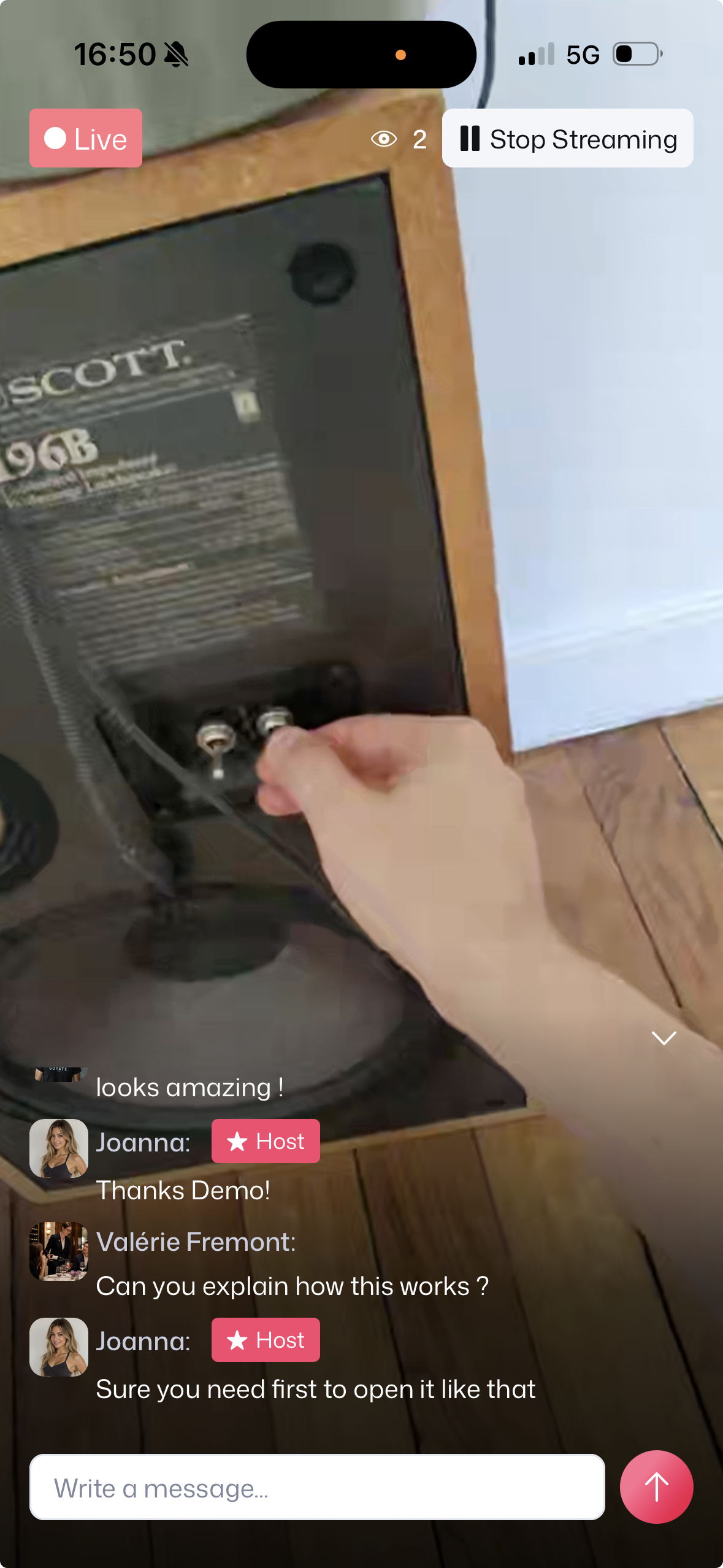
4. Live POV Broadcast
Live POV demo & real-time chat!
Before initiating a stream, users navigate to My Account → Glasses and select Mentra live glasses as their preferred streaming hardware option.

Tap "Glasses" in My Account.

Tap "Mentra live glasses".